Open source · MITTouchDesigner + Claude Code
touchdesigner-
harness.
A harness that lets Claude Code build TouchDesigner networks in your live session. It looks at what it made, checks it, and saves each step to git.
- What
- It is a set of rules, skills and checks, plus a small toolkit that runs inside TouchDesigner.
- Needs
- It needs TouchDesigner 2025.33230 or newer, Claude Code, and Windows or macOS.
- Sits on
- It runs on top of touchdesigner-mcp or Derivative's TDMCP. It is not another MCP server.
- Status
- This is version 0.1. It has been tested on Windows.
1
Use it
Paste this line into Claude Code. It clones the repository and walks you through the rest, and it asks before it changes anything outside that folder.
Set up touchdesigner-harness with me by following https://billmoore.ai/touchdesigner/install.md
You need TouchDesigner 2025.33230 or newer and Claude Code, on Windows or macOS. To set it up by hand, follow docs/SETUP.md.
2
How it works
Claude builds a small piece of the network, captures the output and looks at it, then picks the next step. Before it calls anything done, it checks that the output is not black, is moving, and cooks inside the frame budget. It commits each version worth keeping as a .tox file and a text snapshot.
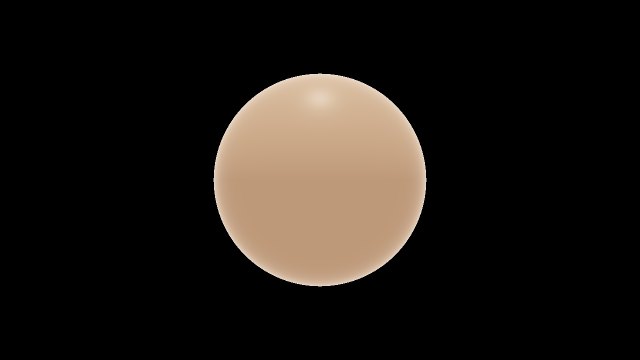
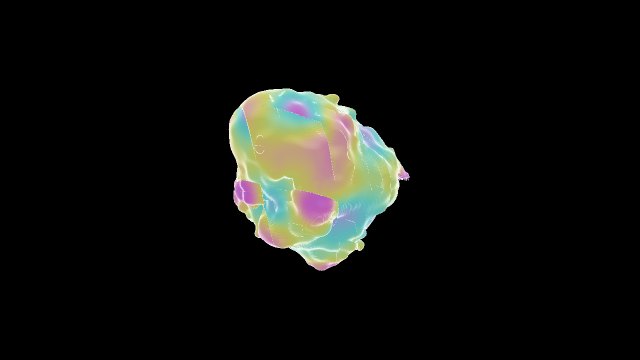
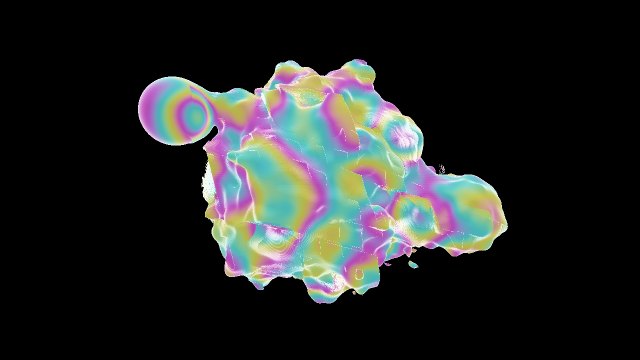
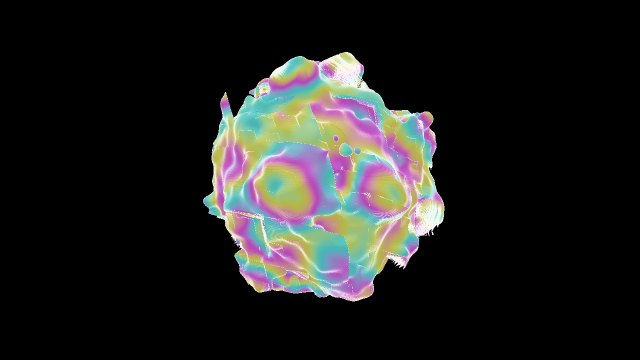
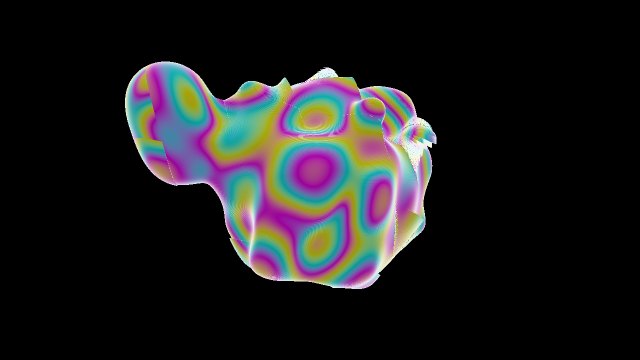
Fig. 1 These are five captures Claude took while building one experiment, with what it noted about each.
3
Examples
networks were built with the harness. Each uses a different technique, and all of them follow the same music track. A scene's contact sheet shows its takes: the same network with another camera, subject, palette or mode.
- AMusic
One track is separated ahead of time into drums, bass, vocals and everything else.
- BHub
The hub plays the track and publishes its analysis every frame: stem loudness, beat, bar, sections, drum hits, pitch and spectrum.
- CScenes
Each scene is a self-contained network that reads the hub and nothing else.
- DCutter
The cutter switches scenes on beat lines, and gives a returning scene its next take.
- EPicture
The picture is rendered in real time at 1280×720.
Fig. 2 Because the stems are separate, a scene can react to the kick alone or to the bass alone.
4b
Combinations
A scene can take another scene's output as its input.
4
Treatments, transitions, layers
The cutter can also apply a treatment to a shot, choose how it arrives, or layer a second scene over it.
5
Asset pack
The repository ships everything the scenes need, so the engine does not depend on files outside a clone.
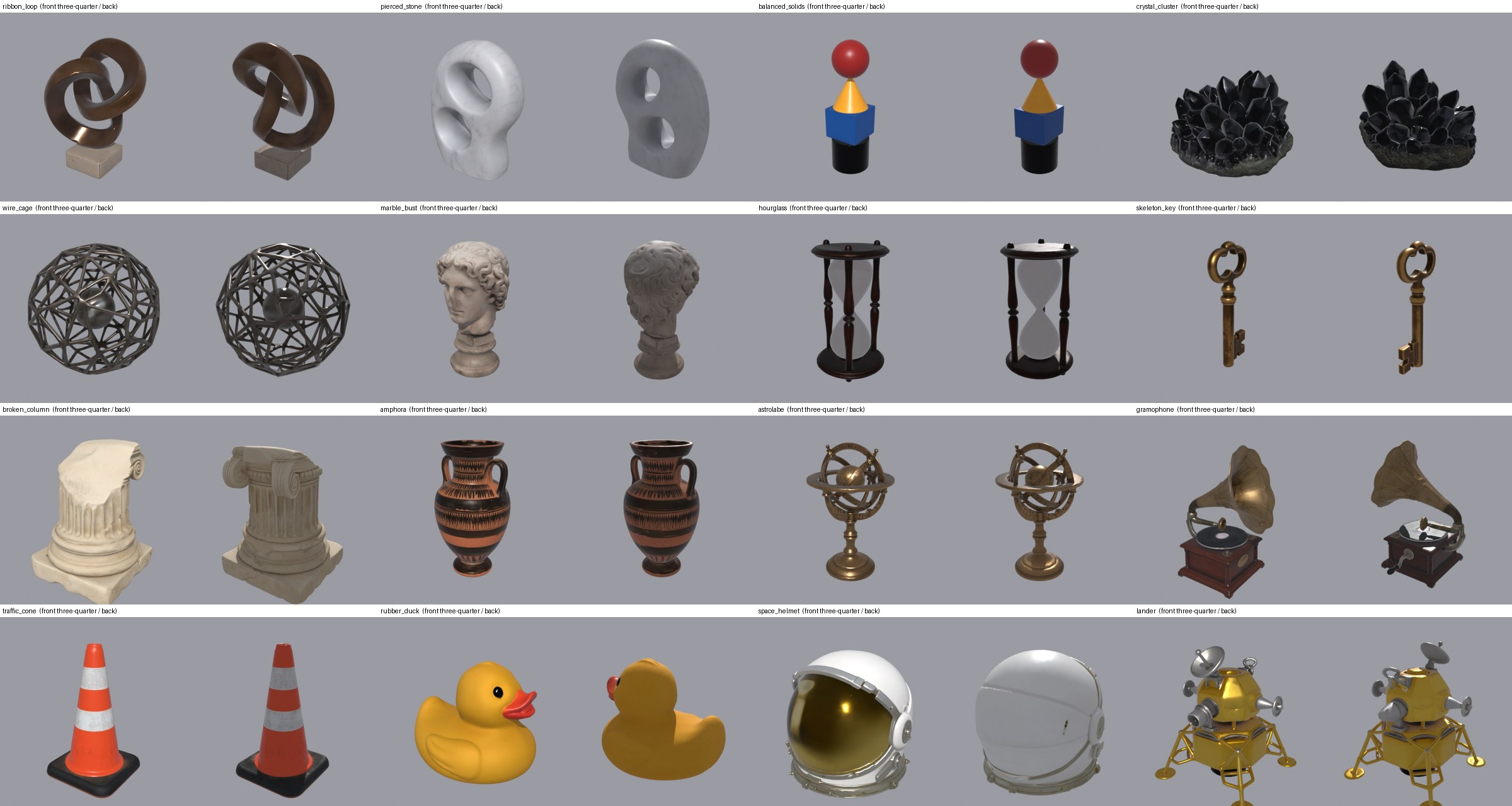
What is in it
- The pack has sixteen 3D objects, each generated from a text prompt as a concept image and then a textured mesh.
- It has three printed sheets, two pieces of lettering, and three typefaces under the Open Font License.
- It has two instrumental tracks generated from text prompts, each with its analysis already baked.
Using your own
- Each scene keeps its words, model names and tuning in one table, so you can point the engine at your own models and typefaces without changing scene code.
- A track of your own needs an analysis feed. The repository bakes the feed, but does not yet include the stem separation and analysis before it.
- More preset and asset packs are planned for future releases.
6
Status and limits
Status
- It has not been tested on macOS yet.
- The scene engine's builder has not been tried from a fresh clone on a second machine yet.
- The film and the pictures of treatments, transitions and layers use a private asset pack. The examples use the pack in the repository.
Limits
- The agent judges how things look from still captures, because it cannot watch video. Motion is checked numerically, and by you.
- The agent can run arbitrary Python inside your TouchDesigner session. Use a lab project, not a show file.
- Live checks need TouchDesigner, so they run on your machine, not in CI.